Cable-strike warning for freeway excavation
Stop the bucket before it reaches the cable.
A run of sacrificial fiber lies in the protective concrete above the communication cable. If a backhoe cuts or crushes it, a siren and red beacon go off in the operator's cab, inches before the bucket reaches the real cable.
Why it matters
One strike is expensive
Repair cost of one communication-cable strike, with several sites down until it is fixed.
Depth of the live cable, inside conduit. The sacrificial fiber sits above it.
Longest run between the two roadside cabinets that watch the fiber.
How it works
The fiber breaks first
Each cabinet sends laser light down half the strands and watches the other half. Light must arrive on every strand. Any strand that goes dark or dims by half sets off the alarm.
Not to scale. The fiber sits a few inches above the conduit, so it is cut first.
Detect
A strand loses half its light. A comparator on the cabinet board trips at once, with no software in the path.
Alert
The cabinet broadcasts an alarm by 915 MHz radio. The unit in the cab sounds a siren, flashes a red beacon and vibrates the seat.
Stop
The operator stops digging and the crew follows the strike procedure below. The alarm stays on until a technician resets it.
For operators and crew
If the alarm sounds
Stop
- Stop digging the moment the alarm sounds.
- Press ACK to quiet the siren. The beacon stays on.
Stay safe
- Warn nearby workers to stay clear.
- Secure the area around the dig.
Report
- Radio your supervisor right away.
- The supervisor contacts the utility owner.
- Wait for clearance before digging again.
For resident engineers
Running a protected dig
- Start of the dig
Pair a cab unit to the job's two cabinets and hand it to the operator. Any number of machines can be covered.
- Every morning
Press TEST on each cab unit and confirm it shows ARMED before digging starts.
- If the link drops
An intermittent beep and LINK LOST mean the unit can no longer hear the cabinets. Stop digging until it shows ARMED again.
- After a strike
Only a technician with the reset key can clear the cabinet alarm, after the cable has been inspected or repaired.
For design reviewers
Design documents
Cabinet board, 2-channel bench prototype, revision P1. The schematic was checked pin by pin against KiCad's own netlist: 433 pins, no mismatches. Open review items are listed in REVIEW_NOTES.txt inside the KiCad package.
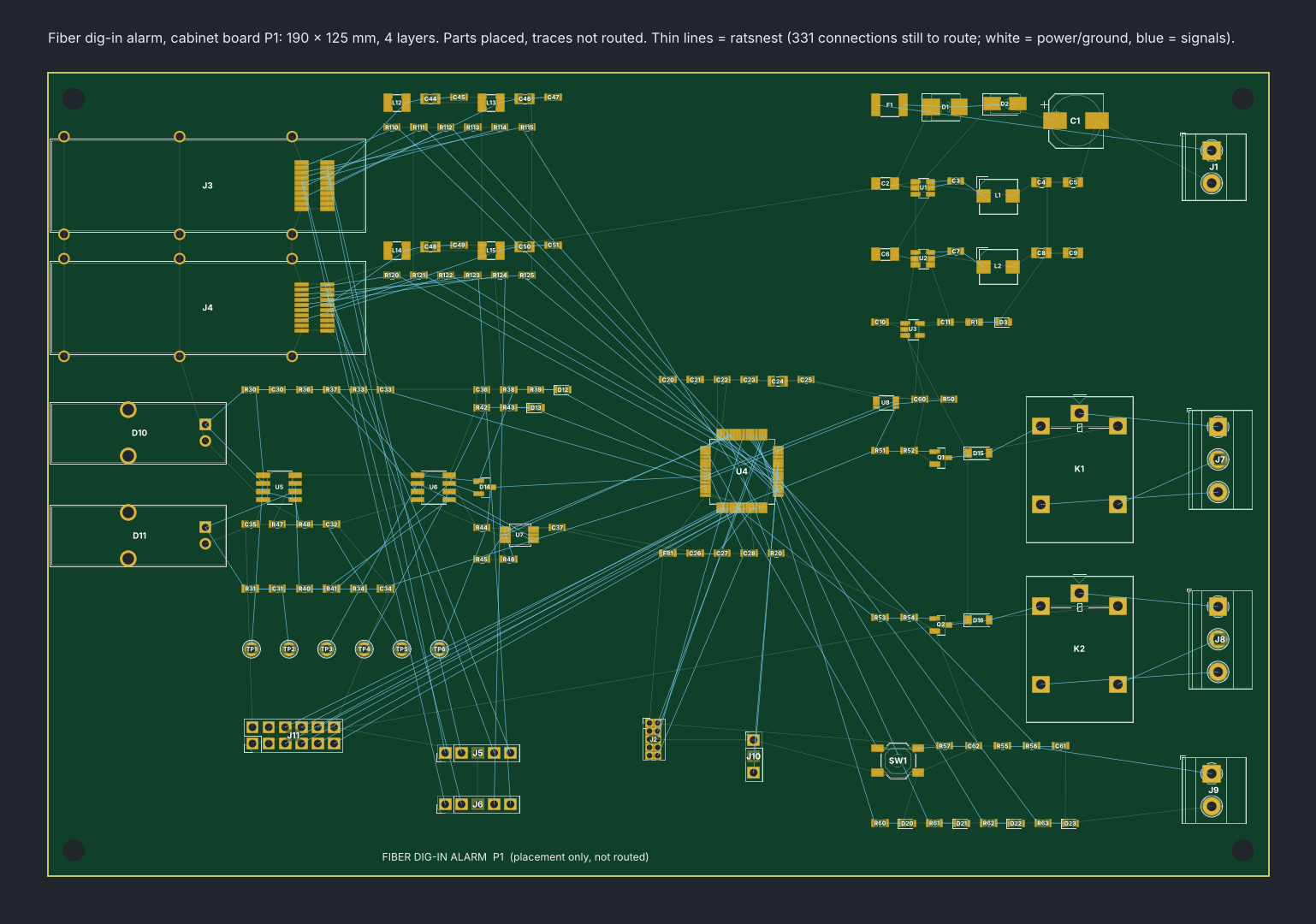
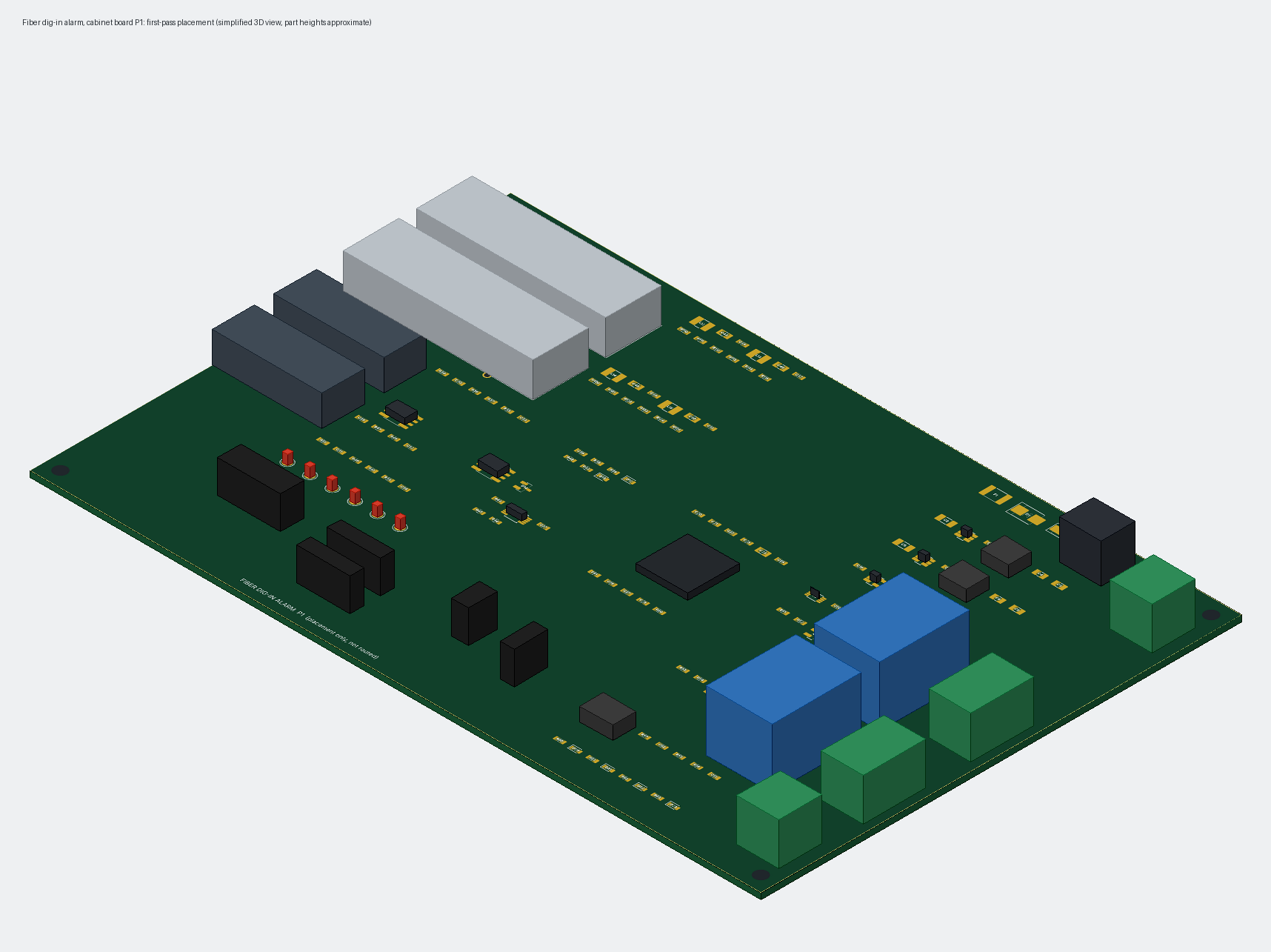
Direct links, which open in a new tab: schematic PDF · BOM CSV · KiCad sheets: top, power, mcu, optical_tx, optical_rx, alarm_io, board, fp-lib-table, footprints SFP cage and photodiode, review notes. Save each file under its own name in one folder. The two placeholder footprints go in a subfolder named FiberAlarm.pretty.